





Download
Get Windows Update Blocker
Download the latest Windows Update Blocker utility and manage update services safely. WUB is portable freeware and requires no installation.
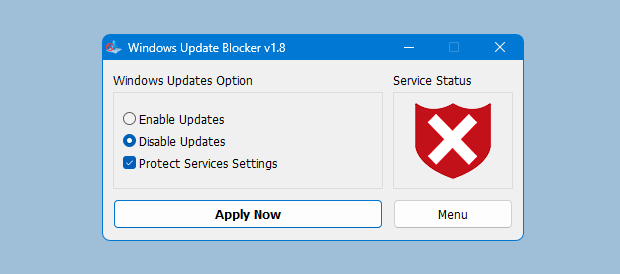
Standalone EXE
Single file executable for quick launch. Run as Administrator for service control.
Download EXERelease Notes
Review version updates, checksums, and compatibility notes for each release.
View Integrity InfoIntegrity & Signature Guidance
For every release we provide checksums and a clear changelog. After downloading, compute the SHA-256 hash and compare it to the published checksum to verify the file has not been altered.
WUB is a service-control utility. Some security tools may flag it because it modifies system services, not because of harmful behavior.
About False Positives
Utilities that interact with Windows services can trigger heuristic warnings. This is common for administrative tools. Always download from trusted sources and verify integrity before execution.
If your endpoint protection blocks the file, you can add a local allow-list entry after verification.
System Requirements
- Windows 11, 10, 8.1, 8, 7 (32-bit and 64-bit)
- Administrator privileges required for service changes
- No installation or runtime dependencies
Portable Usage
- Download the ZIP or EXE file.
- Extract the ZIP if needed.
- Run Wub.exe as Administrator.
- Choose Disable or Enable and apply settings.