





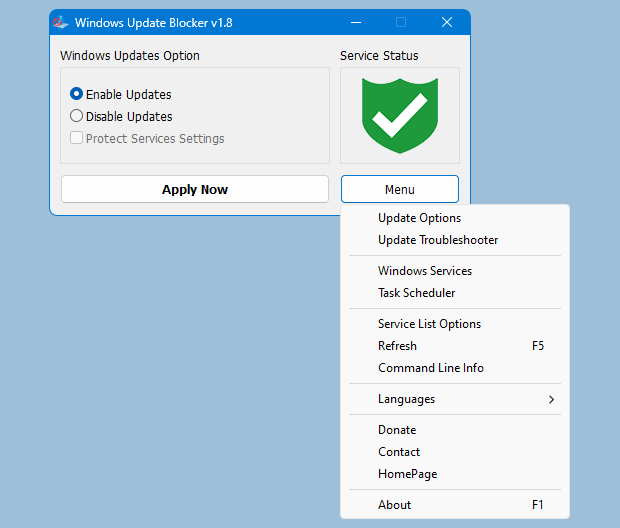
One-Click Enable/Disable Logic
WUB lets you disable Windows Update services with one click and re-enable them just as easily. The tool targets the relevant services consistently so you don't have to hunt through settings or the Services console.
Feature Breakdown
Windows Update Blocker provides direct control over update services, protects your configuration from being reversed, and exposes a clear status indicator so you always know what is active.
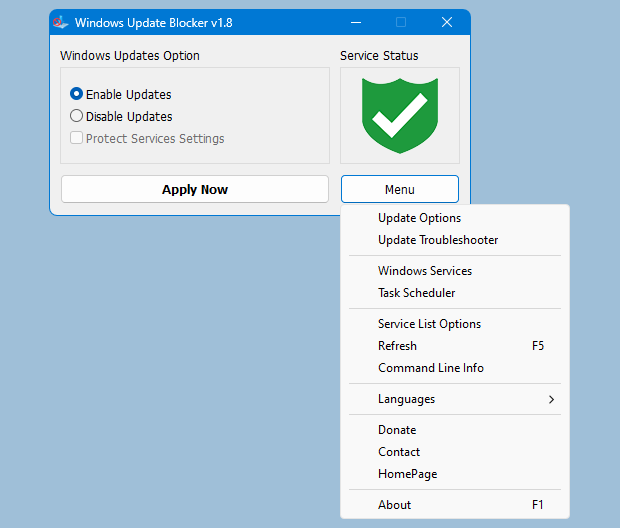
WUB lets you disable Windows Update services with one click and re-enable them just as easily. The tool targets the relevant services consistently so you don't have to hunt through settings or the Services console.
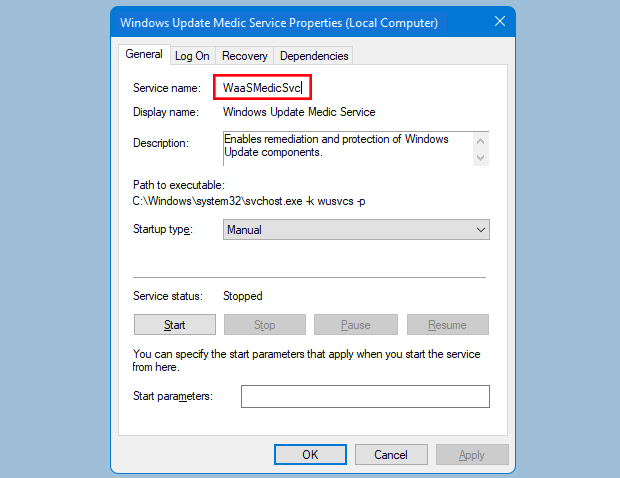
The protection option helps prevent Windows from re-enabling update services without your consent. It locks in your chosen state so update controls remain predictable.
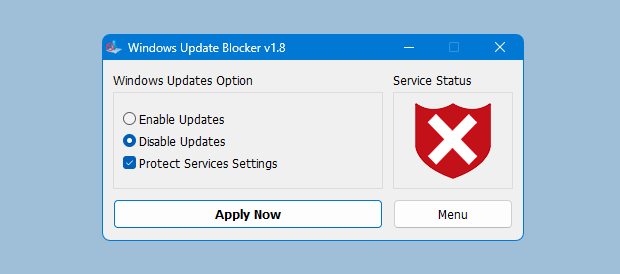
The UI clearly shows whether updates are enabled or disabled. Green and red indicators make it easy to confirm your status at a glance.
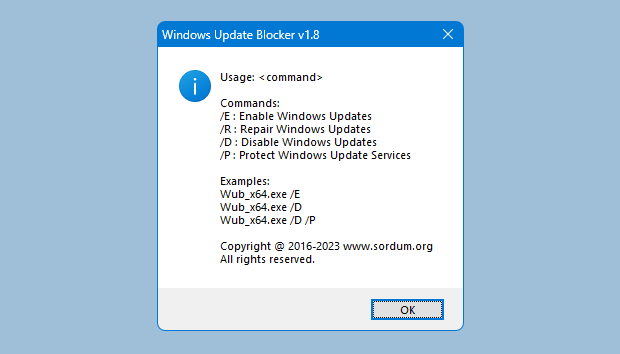
Automate update control using simple command line parameters. This is ideal for scripts, remote administration, and repeatable workflows.
WUB includes multiple language options to make the interface clear and accessible for global teams and personal use.
No installation needed. Run WUB directly from a folder or USB drive. It leaves minimal footprint and focuses only on update service configuration.
Download the latest WUB utility to experience the one-click workflow and service protection firsthand.